1. Sign-in to app.avantassessment.com/test
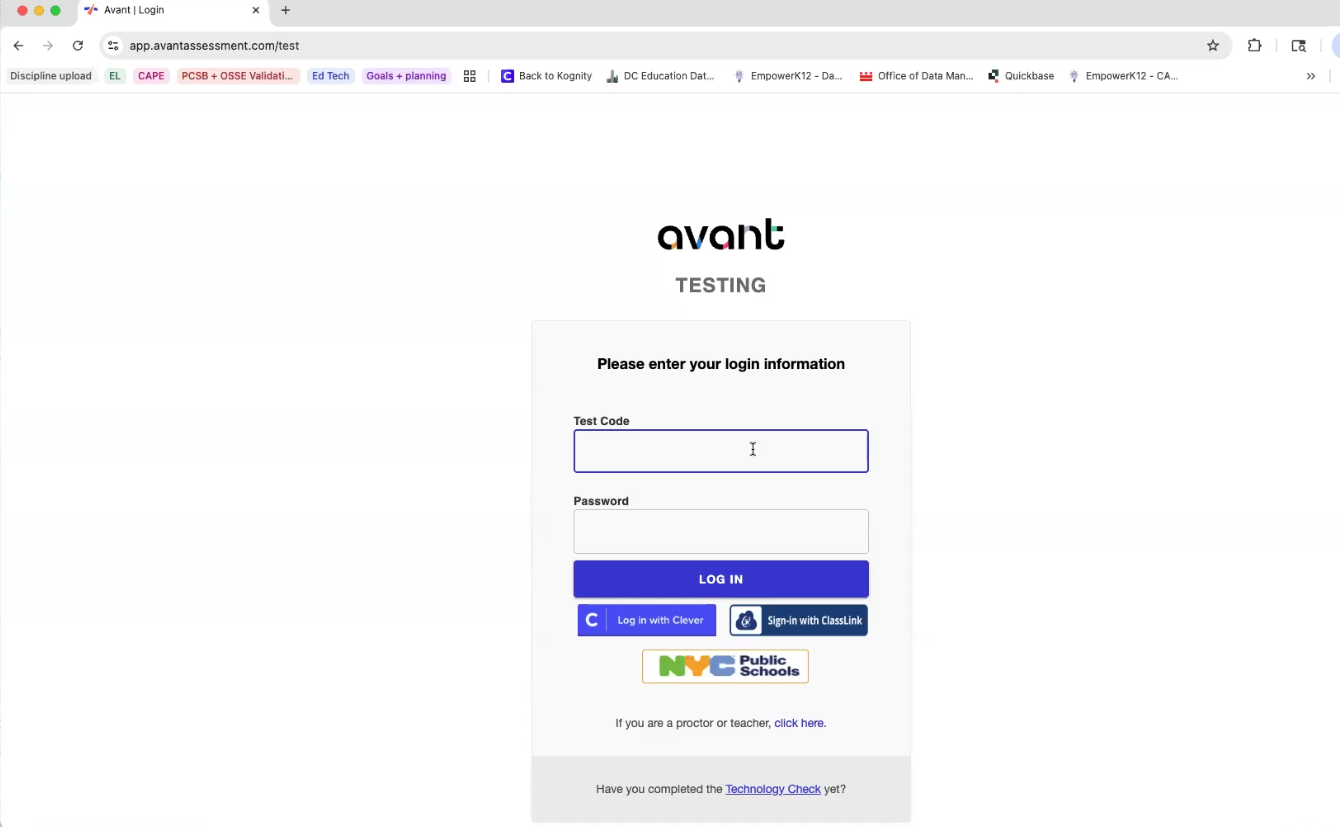
2. Choose your desired test to export files for 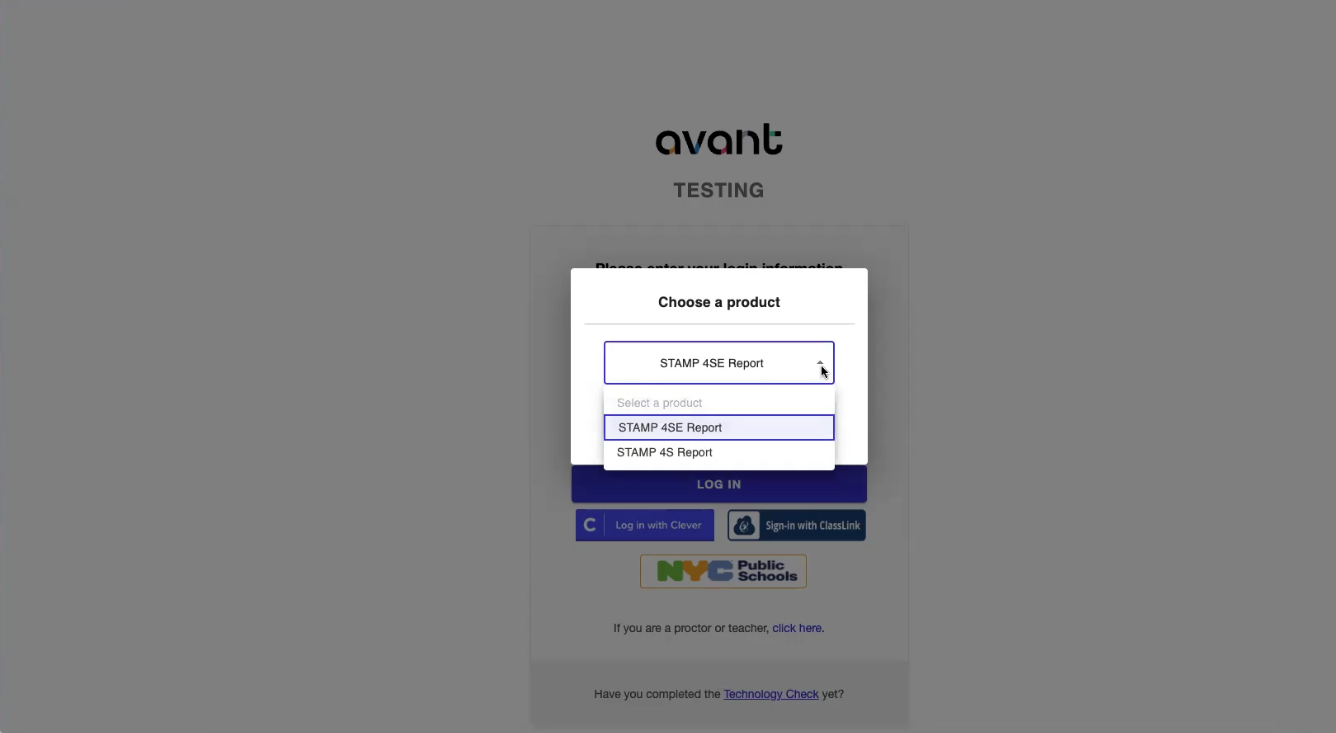
Once you select one product, you must logging out and back in to select the other product (test) for STAMP (i.e. STAMP 4SE and STAMP 4S). Avant currently does not allow you to switch between products once one is selected.
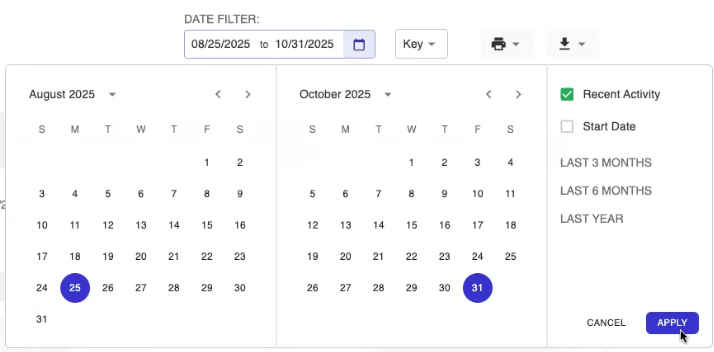
3. Select the desired range of your STAMP assessment window. We recommending pulling a little before and after the actual window you tested students in.
4. Click the Download "Test Taker Data" Icon in the top left to pull the entire report of students that tested during the given reporting period.
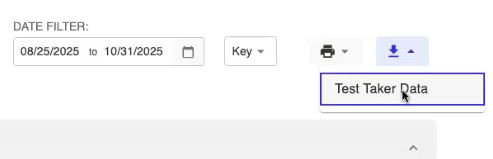
5. Upload the file in its original unedited form as a .csv to the appropriate task.
Was this article helpful?
That’s Great!
Thank you for your feedback
Sorry! We couldn't be helpful
Thank you for your feedback
Feedback sent
We appreciate your effort and will try to fix the article